Roblox is a free online platform where people play, build, and share 3D games made by other users. It isn’t one game. It’s a large library of user-created worlds, from obstacle courses to pet-collecting sims, all reached through a single account and avatar. If you’re a first-time player, a parent, or someone who wants to build games, this guide covers what you need to get started.
What Is Roblox, Exactly?
Roblox is a platform for user-generated games, which Roblox calls “experiences.” Roblox Corporation (NYSE: RBLX) launched it in 2006, and most of what players see today is built by independent creators and studios, not by the company.
Three ideas explain how it works:
- One account, many games. You keep the same avatar, friends list, and Robux balance in every experience.
- Creators drive the content. Anyone can build with Roblox Studio and publish for free.
- The economy is built in. Players spend virtual currency, and creators can earn from it.
That mix is why Roblox doesn’t fit neatly into “game” or “social network.” It’s closer to a game store, a social space, and a creation tool in one.
What Can You Do on Roblox?
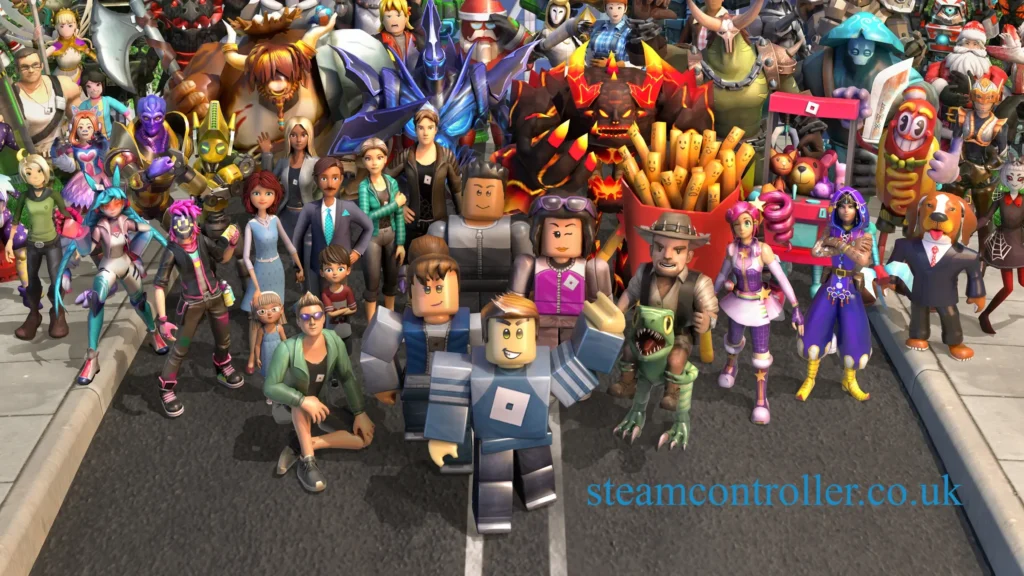
Most experiences fall into a few broad types:
- Simulator games, where you collect, upgrade, and grind toward bigger goals
- Role-playing games, such as family life, city, or school settings
- Obstacle courses (“obbies”) and racing games
- Survival, horror, and shooter games
- Social hangouts and fashion games
Popular titles in recent years include Adopt Me!, Brookhaven RP, Blox Fruits, Dress to Impress, and Grow a Garden. The last of these set concurrent-player records in 2025. Charts change quickly, so check Roblox’s Discover page for what’s trending now.
Why it works: most Roblox games are built for short sessions and playing with friends. That makes them easy to pick up, which explains much of the platform’s popularity with younger players.
How Do You Download Roblox?
Download Roblox from roblox.com, or install the app from the App Store, Google Play, Microsoft Store (Xbox), or PlayStation Store. Avoid third-party download sites. They are a common source of malware.
On a computer:
- Go to roblox.com and log in.
- Click any experience, then press Play.
- When prompted, download the installer and run it.
- Wait for the installation to finish. The game launches automatically.
The first launch triggers the download, so there’s no separate setup page to hunt for.
Roblox Download for PC and the Installer
On Windows, Roblox runs on Windows 10 or later. The installer is a small file, typically named RobloxPlayerInstaller.exe, that downloads the full player and then updates it automatically. On Mac, you’ll get a .dmg file to open and drag to Applications.
If the installer fails, try these fixes:
- Re-download it directly from roblox.com.
- Run it as administrator.
- Pause antivirus or firewall software briefly.
- Restart your computer, then try again.
Which Devices Can Play Roblox?
Roblox runs on more devices than most players expect:
| Device | Supported? | Notes |
|---|---|---|
| Windows PC | Yes | Windows 10 or later |
| Mac | Yes | Download from roblox.com |
| iPhone / iPad | Yes | App Store |
| Android phones and tablets | Yes | Google Play |
| Xbox One / Series X|S | Yes | Free from the Microsoft Store |
| PlayStation 4 / PS5 | Yes | Available since late 2023 |
| Meta Quest | Yes | Select experiences |
| Nintendo Switch | No | Not officially supported |
Mobile is the easiest way in. The touch controls are simple, and your account syncs across devices. Console players can log in with a code or a QR scan, which saves typing a password with a controller. Performance varies by device, so older phones may struggle in crowded games.
How Do You Create a Roblox Account and Log In?
Go to roblox.com, choose Sign Up, enter your birthday, username, and password, and confirm any verification steps. Pick a username that doesn’t reveal your real name. It can’t easily be changed later without spending Robux.
Some notes on accounts and age:
- Younger children’s accounts get stricter default settings, and parents can link their own account to manage them.
- Roblox has been expanding age checks, including age estimation for chat features. Policies on this have changed repeatedly, so confirm current rules in Roblox’s Help Center.
- Use a strong password and turn on 2-step verification to guard against account theft.
Can’t log in? Check for typos, use “Forgot Password,” and confirm you aren’t on a fake site. The real login page always sits on roblox.com. If you lose access, Roblox Support can help recover the account.
How Do Robux, Gift Cards, and Game Passes Work?
Robux is Roblox’s virtual currency. You use it to buy avatar items, upgrades inside games, and access to certain experiences. Roblox sells it for real money, and it’s also included with Roblox Premium memberships.
Gift cards and codes:
- Buy a Roblox gift card at major retailers, or buy a digital one.
- Go to roblox.com/redeem, log in, and enter the PIN.
- The credit or Robux is added to your account.
Promo codes are separate and are entered on the promo codes page. They usually unlock free cosmetic items, not Robux.
Game passes are one-time purchases that give permanent perks inside a single experience, like a speed boost or VIP area. They’re different from developer products, which can be bought repeatedly.
Is There Free Robux?
No legitimate generator exists. Any site, video, or “Robux hack” that asks for your password or a “human verification” is a scam. The real options are limited: some Microsoft Rewards offerings, Premium allowances, or earning Robux by selling items or passes as a creator. Treat anything else as a red flag.
How Do You Customize a Roblox Avatar?
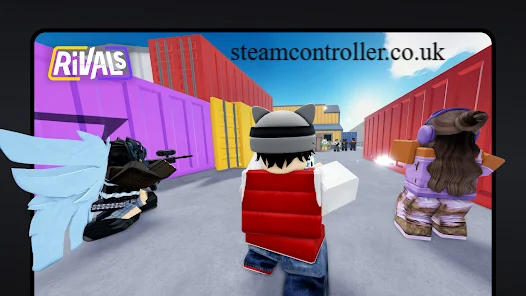
Open the Avatar tab on the website or app, then change body, clothing, and accessories. Many items are free, and the Marketplace offers paid ones made by creators. Players can mix and match, save outfits, and in supported experiences use face tracking or animation features.
Note on “Roblox cam”: this usually refers to camera-based features, such as animating your avatar’s face through a device camera. These typically require permission and age verification, and they only work in supported experiences. Be cautious about third-party “cam” tools claiming to do the same. If an app asks for your login, don’t use it.
How Do You Play Roblox With Friends?
- Add friends by username, or accept requests.
- Open your Friends list and see which experience they’re in.
- Tap Join to hop into their server.
- Use private servers if you want a closed session. Some require Robux.
Roblox is multiplayer by design. Most games let you play with friends on different devices, so a phone user can team up with someone on PC or console.
How Do You Make Games With Roblox Studio?
Roblox Studio is Roblox’s free creation tool for building and publishing experiences. It runs on Windows and Mac.
To get started:
- Download Roblox Studio from the Roblox Creator Hub.
- Pick a template, such as a baseplate or obby.
- Use the Explorer and Properties panels to place and edit objects.
- Add scripts using Luau, Roblox’s programming language.
- Test with Play mode, then publish.
Beginners can build simple games without code, but scripting unlocks scoring, shops, and custom mechanics. Roblox’s Developer Exchange program lets eligible creators convert earned Robux to real money, and the rules and rates are posted by Roblox.
Is Roblox Safe for Kids?
Roblox can be reasonable for children when parents use its safety tools, but it isn’t risk-free. Because anyone can publish content, quality and appropriateness vary. Roblox has also faced public scrutiny and legal action over child safety, and it has repeatedly added new protections, including expanded age checks and chat limits. Check the Help Center for the latest.
How to Set Up Roblox Parental Controls
- Create your own Roblox account, then link it to your child’s.
- Open parental settings and set the content maturity level.
- Limit or turn off chat and who can message your child.
- Set spending limits and screen-time reminders.
- Review friends and play history regularly.
Beyond settings, talk with your child about not sharing personal details, not moving chats to other apps, and telling you if something feels wrong.
Why Is Roblox Not Working?
Most issues come from outages, outdated apps, or connection problems. Try these steps in order:
- Check Roblox’s official status page for outages.
- Update the app or reinstall the client.
- Restart the device and router.
- Clear the cache or disable VPNs.
- Try another device to rule out account problems.
Frequently Asked Questions
Roblox download: where should I get it?
Download it only from roblox.com or your device’s official app store. Starting any experience on the site will prompt the installer if it isn’t already on your device.
Roblox login: why can’t I sign in?
Check your username and password, use “Forgot Password,” and make sure you’re on roblox.com. If 2-step verification is on, confirm the code is current. Roblox Support can help if the account is locked.
Roblox cam: what is it?
It generally refers to camera features that animate an avatar’s face in supported experiences, and these may require age verification. Avoid unofficial tools that ask for your login.
Roblox Studio: is it free?
Yes. Roblox Studio is free for Windows and Mac, and publishing a game costs nothing.
Roblox games: what are the most popular?
Frequently cited favorites include Adopt Me!, Brookhaven RP, Blox Fruits, Dress to Impress, and Grow a Garden. Popularity shifts often, so check the Discover page.
Roblox mobile: can I play on my phone?
Yes. Roblox is available on iPhone, iPad, and Android, and your account and progress sync across devices.
Roblox installer: why does it fail?
Re-download it from roblox.com, run it as administrator, temporarily disable security software that may block it, and restart your PC.
Roblox download PC: what are the requirements?
Roblox runs on Windows 10 or later and on macOS. A stable internet connection and updated graphics drivers help performance.
Author Bio: Hamid Ali is a gaming and technology writer covering online games, gaming platforms, digital safety, and emerging gaming trends. He creates easy-to-follow guides to help players explore games, solve technical issues, and enjoy safer online experiences.
Author Name: Hamid Ali
Email: johanharwen314@gmail.com
Also Read: