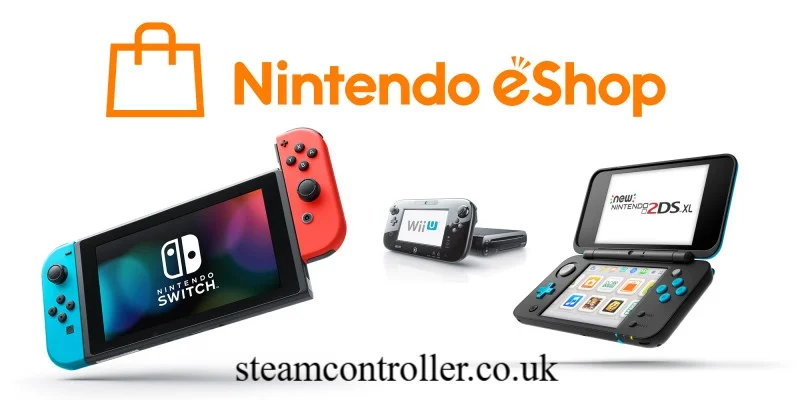
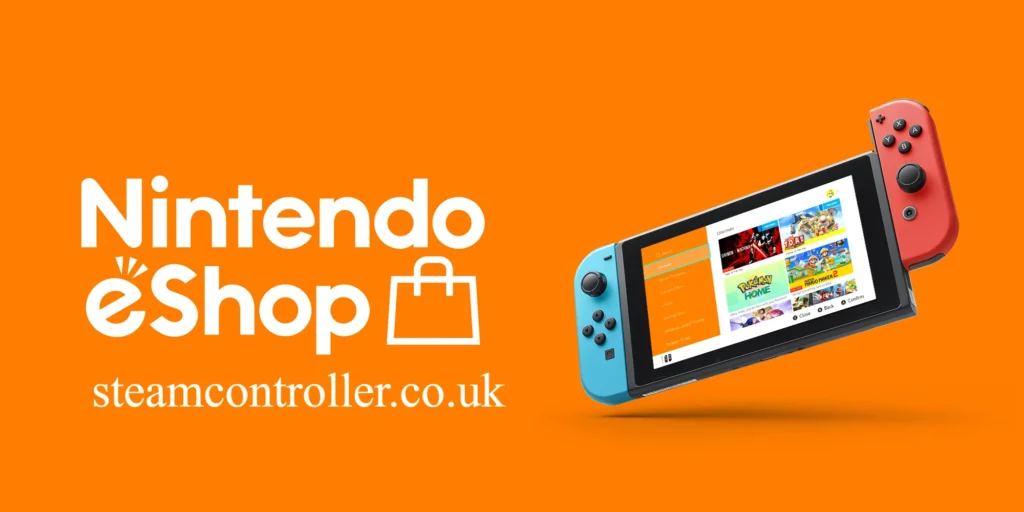
The Nintendo eShop is Nintendo’s digital storefront for Nintendo Switch 2 and Nintendo Switch. It allows players to purchase and download digital games, downloadable content, demos and other digital products directly through an internet connection.
The service is built into the consoles, making it possible to browse games without visiting a physical retailer. Nintendo launched its eShop service for Nintendo Switch 2 and Nintendo Switch in Singapore, Malaysia and Thailand on November 18, 2025, while availability and specific services vary by country or region.
Whether you prefer major releases, indie games, free-to-play titles or additional content for games you already own, the eShop provides a convenient way to discover and download digital content.
What Is Nintendo eShop?
Nintendo eShop is Nintendo’s online digital game store for compatible Nintendo consoles.
You can open it directly from the HOME Menu on Nintendo Switch 2 or Nintendo Switch. After connecting your console to the internet and selecting a Nintendo Account, you can browse available games and other digital content.
Depending on the region, the store can include:
- Nintendo Switch games
- Nintendo Switch 2 games
- Digital versions of physical releases
- Downloadable content
- Game demos
- Free-to-play games
- Nintendo Switch 2 Edition upgrade packs
- Nintendo Switch Online memberships
- Discounted games and special offers
Nintendo describes the eShop as a place where users can purchase and download digital games and downloadable content directly to their systems.
How Does Nintendo eShop Work?
Using the eShop is relatively straightforward.
Basic process
- Connect your Nintendo Switch 2 or Nintendo Switch to the internet.
- Open Nintendo eShop from the HOME Menu.
- Select the Nintendo Account you want to use.
- Search or browse for a game.
- Open the game’s product details.
- Review the price, storage requirements and other information.
- Complete the purchase using an available payment method.
- Download the software.
- Launch the game from the HOME Menu after installation.
Nintendo’s official instructions confirm that a Nintendo Account and internet connection are required to access and purchase content through the service.
Digital purchases can be stored on the console’s internal storage or compatible expansion storage.
Nintendo eShop on Switch 2 vs Switch
Nintendo eShop is available on both Nintendo Switch 2 and Nintendo Switch, but the experience includes some differences on the newer console.
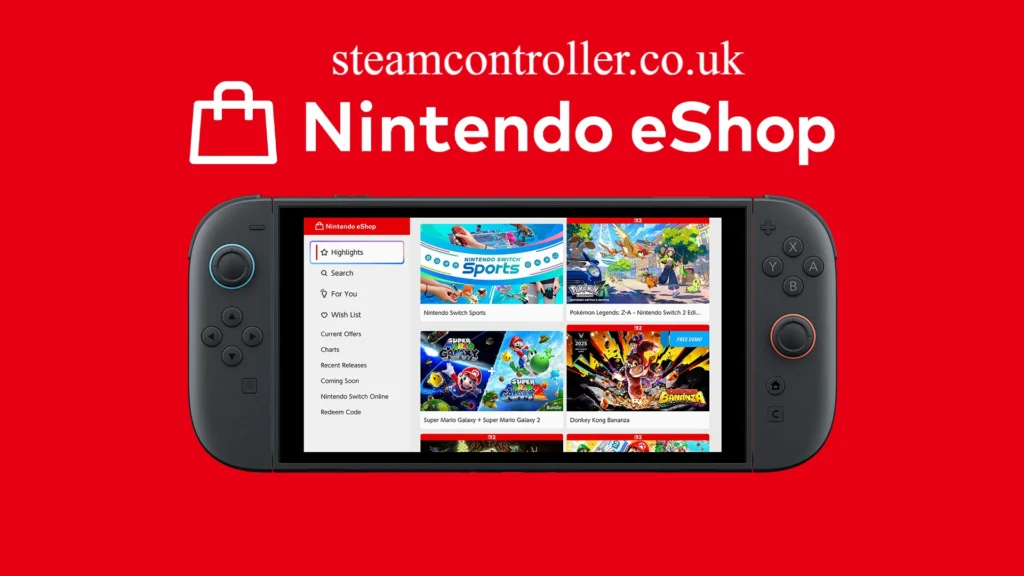
Nintendo Switch 2 offers additional eShop functionality, including enhanced ways to search for games based on how you like to play and a For You area that provides personalized game suggestions.
| Feature | Nintendo Switch | Nintendo Switch 2 |
|---|---|---|
| Digital games | Yes | Yes |
| DLC | Yes | Yes |
| Game demos | Yes, where available | Yes, where available |
| Nintendo Switch Online | Yes | Yes |
| Wish List | Yes | Yes |
| Game rankings | Yes | Yes |
| Personalized For You section | No | Yes |
| Nintendo Switch 2 Edition games | No | Yes |
| microSD storage | microSD | microSD Express |
One important storage difference is that Nintendo Switch 2 uses microSD Express cards, while the original Nintendo Switch supports compatible microSD cards.
What Can You Buy on Nintendo eShop?
The digital store contains several types of content.
Digital Games
Digital games are complete games that can be purchased and downloaded without buying a physical game card.
This can be especially convenient if you regularly switch between several games because you do not have to physically change game cards.
Nintendo says digitally purchased Switch 2 games can be stored in the console’s internal memory or on a compatible microSD Express card.
Downloadable Content
DLC adds extra content to compatible games.
Depending on the title, DLC can provide:
- New characters
- New stages
- Additional missions
- Items
- Expansion areas
- Cosmetic content
- Extra gameplay features
You normally need the relevant base game before accessing DLC, although exact requirements depend on the product.
Game Demos
Some Nintendo eShop games offer free demos.
When a demo is available, you can open the product page and select the Download Demo option. This lets you try part of a game before deciding whether to purchase it.
Demos can be particularly useful for unfamiliar indie games or titles where you want to test the gameplay before spending money.
Nintendo Switch 2 Edition Upgrade Packs
Some existing Nintendo Switch games have enhanced Nintendo Switch 2 Edition versions.
If you already own a compatible physical or digital Nintendo Switch game, an applicable upgrade pack can provide access to Nintendo Switch 2 Edition features for that title.
Nintendo’s eShop information specifically highlights upgrade packs as a way for owners of selected Switch games to upgrade on Nintendo Switch 2.
Nintendo eShop Features
The store includes several tools designed to make game discovery easier.
Highlights
The Highlights area showcases featured games and other content.
Nintendo says featured content is updated regularly, so it can be useful for discovering new releases and games receiving attention on the platform.
Search
The Nintendo eShop search feature lets you find games using titles, genres and other criteria.
You can also narrow results with filters, including options related to demos and Nintendo Switch Online compatibility.
Nintendo Switch 2 adds enhanced search capabilities designed to help players find games according to how they prefer to play.
For You
For You is a Nintendo Switch 2 feature that provides personalized game recommendations.
The idea is simple: as you browse and interact with games in the eShop, the system can use your activity to provide recommendations suited to your preferences.
Wish List
Found a game you are interested in but are not ready to buy?
Use the heart icon on its product page to add it to your Nintendo eShop Wish List.
The Wish List makes it easier to keep track of games you may want to purchase later.
Rankings
The Rankings section highlights popular games and gives shoppers another way to discover what other players are buying or playing.
Rankings are updated regularly, so they can be useful for finding currently popular releases.
How to Buy Nintendo Digital Games
Buying Nintendo Switch digital games generally involves four steps:
Find → Review → Purchase → Download
Before purchasing, check:
- Game compatibility
- Price
- Required storage
- Supported languages
- Age rating
- Whether DLC is included
- Whether Nintendo Switch Online is required for certain features
Nintendo specifically recommends checking the storage requirement before buying digital content. On Nintendo Switch 2, storage requirements can vary significantly between games, and the eShop provides relevant storage information.
Nintendo eShop Storage and Downloads
Digital game storage is an important consideration, especially on Nintendo Switch 2.
Nintendo Switch 2 supports microSD Express cards for storing compatible software data, updates and DLC. Standard microSD cards used by the original Switch cannot be used to save or load digital games or save data on Switch 2.
Nintendo currently states that microSD Express cards with capacities up to 2TB are supported on Nintendo Switch 2.
This makes choosing suitable storage important if you plan to build a large Nintendo Switch game library.
Physical vs Digital Games
Nintendo Switch and Nintendo Switch 2 players can choose between physical and digital versions of compatible games.
Digital advantages
- No game card required
- Immediate digital access after download
- Convenient for switching between installed games
- Easy to purchase from home
- Useful for games that are only available digitally
Physical advantages
- Game card can be shared or resold where applicable
- Does not require the full game download in the same way as a digital purchase
- Can be collected physically
- Useful for players who prefer physical media
The best option depends on how you play and whether you prioritize convenience or physical ownership.
Nintendo Switch Online and eShop
Nintendo Switch Online is separate from simply having access to the eShop, but membership can provide additional gaming features.
Depending on the plan and supported games, Nintendo Switch Online can provide online multiplayer, access to selected classic games and other benefits. Nintendo also offers the Nintendo Switch Online + Expansion Pack tier with additional benefits.
Some games can be played online without the same requirements, while others require an active Nintendo Switch Online membership for online features. Always check the individual game’s requirements.
Nintendo eShop Prices, Deals and Discounts
Prices vary by country, currency, game and promotion.
The eShop can feature:
- New releases
- Limited-time discounts
- Indie games
- Free-to-play games
- DLC promotions
- Seasonal sales
- Nintendo-published titles
- Third-party games
Because pricing and promotions can change, the best approach is to check the current eShop listing for your account’s region rather than relying on an old price.
Nintendo eShop Account and Region
Your Nintendo Account’s country or region determines which Nintendo eShop you access.
Nintendo states that the eShop country matches the country setting on the Nintendo Account.
This matters when using payment methods or Nintendo eShop Cards.
For example, Nintendo says an eShop Card is specific to its intended country and generally can only be redeemed on a Nintendo Account or system set to that same country.
Can You Change Nintendo eShop Region?
Yes, but there are restrictions.
You can change the country or region associated with your Nintendo Account through the account website.
However, Nintendo says you may be prevented from changing the country if you have remaining eShop funds, active automatic renewal, or certain outstanding pre-orders.
Also, your unused eShop balance does not transfer to another country when you change regions. Nintendo recommends using the remaining funds before changing the country.
Payment compatibility is another major consideration. Nintendo says cards generally need to match the region of the eShop being used.
Nintendo eShop FAQs
What is Nintendo eShop Singapore?
Nintendo eShop became officially available in Singapore on November 18, 2025, alongside Malaysia and Thailand. Players in supported regions can use the service to purchase and download games and downloadable content.
What is Nintendo eShop US?
Nintendo eShop US is the version of the digital storefront associated with a Nintendo Account set to the United States. The available games, prices, currencies, payment methods and promotions can differ from other regions.
How do I complete a Nintendo eShop login?
To access Nintendo eShop, open it from the HOME Menu and select the Nintendo Account user you want to use. Nintendo requires a Nintendo Account and an internet connection for eShop access.
How do I change Nintendo eShop region?
Change the Country/region of residence in your Nintendo Account profile. Nintendo may block the change if you have remaining eShop funds, active auto-renewal or certain pre-orders.
What is a Nintendo eShop Card?
A Nintendo eShop Card is a prepaid card used to add funds to a compatible Nintendo Account for digital purchases. Cards are region-specific, so the card’s country needs to correspond with the account/eShop region.
What is the Nintendo eShop Singapore ZIP code?
There is no universal Nintendo eShop Singapore ZIP code that should be used for every account or payment situation. When payment information requires an address or postal code, use accurate information appropriate to the account and payment method rather than inventing a ZIP code.
What is the latest Nintendo announcement today?
Nintendo publishes announcements, release information and eShop updates through its official News and Updates channels. Because announcements change frequently, check Nintendo’s official website for the latest announcement rather than relying on older articles.
How do I complete a Nintendo eShop Singapore login?
If your Nintendo Account is set to Singapore and the eShop service is available for your account, open Nintendo eShop from the console HOME Menu and select the relevant Nintendo Account. Nintendo launched the Singapore eShop service on November 18, 2025.
Final Takeaway
Nintendo eShop has become an essential part of the Nintendo Switch ecosystem, providing a convenient way to discover, purchase and download digital games, DLC and demos.
For Nintendo Switch 2 owners, features such as personalized For You recommendations, Nintendo Switch 2 Edition upgrade packs and microSD Express storage make the digital experience particularly useful. At the same time, region restrictions, payment compatibility and storage requirements are important things to understand before making a purchase.
For the best experience, always check the current eShop listing for your Nintendo Account’s region, verify storage requirements and review whether a game requires Nintendo Switch Online for its online features.
Author Bio: Hamid Ali is a gaming and technology writer covering Nintendo, video games, digital platforms, and the latest gaming trends. He focuses on clear, research-based content that helps readers understand new games, consoles, features, and digital gaming services.
Author Name: Hamid Ali
Email: johanharwen314@gmail.com
Also Read: